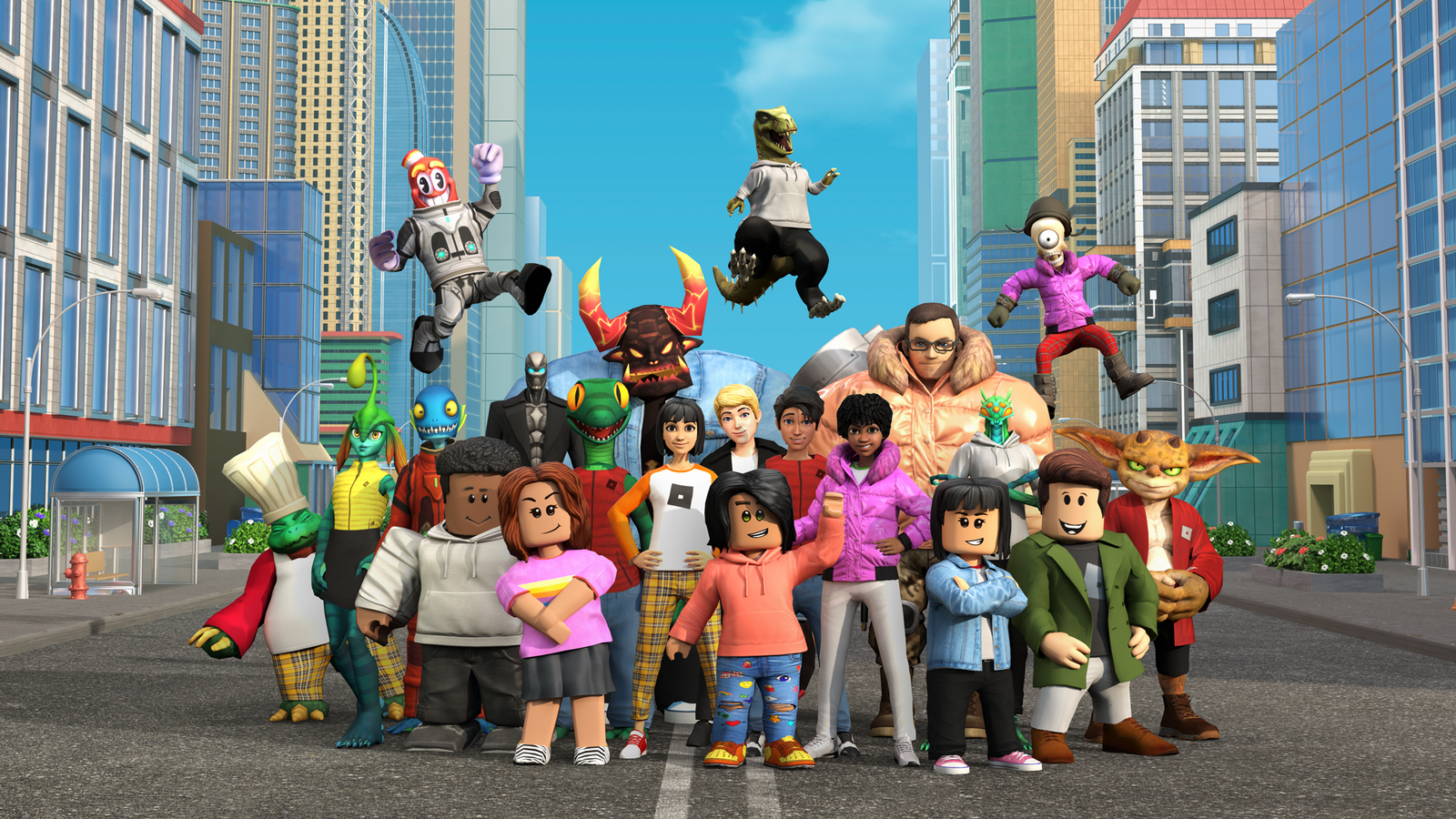
Ever thought about creating your own Roblox game but didn’t know where to start? You’re not alone. Many players dream of building something unique but feel overwhelmed by the process. The good news is, Roblox makes game development accessible even for beginners. With the right guidance, tools, and a bit of creativity, you can turn your ideas into a playable game and even attract a loyal player base.
Why Create Your Own Roblox Game?
Creating a Roblox game isn’t just fun, it’s also rewarding. Here’s why many players are getting into development:
- Express your creativity through game design
- Learn valuable skills like coding and design
- Build a community of players
- Earn Robux through monetization
It’s a great way to turn your passion into something meaningful.
Getting Started with Roblox Studio
Getting started with Roblox Studio is the first step toward building your own game, and the best part is that it’s completely free to use. With Roblox Studio, you can create maps, design environments, add scripts for gameplay mechanics, test your game in real time, and publish it instantly. For beginners, it’s helpful to start with templates instead of building everything from scratch. You should also explore built-in assets to save time and practice using basic tools like move, scale, and rotate to improve your building skills.
Understanding the Basics of Scripting
Scripting is what brings your game to life. Roblox uses a language called Lua.
What scripting allows you to do:
- Create interactions (doors, buttons, rewards): Use scripts to trigger actions like opening doors, pressing buttons, giving rewards
- Control gameplay mechanics: Manage core game systems like movement, scoring, health, and player progression
- Add animations and effects: Enhance visuals with character animations, particle effects, and smooth transitions
- Handle player input: Detect and respond to player actions like clicks, touches, and movements
- Automate game events: Run timed events, spawn items, or trigger changes during gameplay automatically
Simple example: A script that gives players coins when they touch an object
Tips for beginners:
- Start with simple scripts: Begin with basic scripts to understand how Lua works effectively.
- Use tutorials and community resources: Leverage online guides and forums to learn coding efficiently.
- Don’t try to learn everything at once: Focus on one concept at a time for better retention.
- Experiment with small projects: Test ideas on mini-games to practice safely and learn quickly.
- Ask for help when stuck: Seek advice from experienced developers to solve problems faster.
Building Your First Game Environment
Your game’s environment is the first thing players notice.
Key elements to focus on:
- Layout and structure
- Visual design and theme
- Navigation and accessibility
Building tips:
- Keep your design simple at first
- Use consistent themes (e.g., city, fantasy, space)
- Avoid overcrowding your map
Pro tip: A clean and easy-to-navigate map improves player experience significantly.
Designing Engaging Gameplay
A good-looking game isn’t enough, you need engaging gameplay.
What makes gameplay engaging:
- Clear objectives
- Rewards and progression
- Challenges that are fun but not frustrating
Ideas for beginners:
- Obstacle courses (obbies)
- Tycoon games
- Simulator-style games
Keep in mind:
- Make your game easy to understand
- Add tutorials or instructions for new players
Monetization: How to Earn Robux from Your Game
Once your game is ready, you can start earning Robux.
Popular monetization methods:
- Game passes: Sell special abilities or perks that enhance player experience.
- Developer products: Offer in-game items or boosts for one-time Robux purchases.
- VIP features: Provide exclusive content or areas for premium player access.
- Cosmetic items: Sell skins, outfits, or accessories to customize player avatars.
- Access passes: Charge for early entry or special game levels and zones.
Best practices:
- Offer real value to players
- Avoid making your game “pay-to-win”
- Keep prices fair and reasonable
Testing and Improving Your Game
Before publishing, testing is crucial.
What to test:
- Gameplay mechanics
- Bugs and glitches
- User experience
How to improve:
- Ask friends to play and give feedback
- Observe how players interact with your game
- Make regular updates
Important: Continuous improvement keeps your game relevant and enjoyable.
How to Attract Players to Your Game
Creating a game is just the first step, you also need players.
Effective promotion strategies:
- Share your game on social media: Promote your game to reach more players and attract attention.
- Join Roblox groups and communities: Engage with active communities to get feedback and increase visibility.
- Collaborate with other developers: Work with others to improve your game and expand audience.
- Create engaging thumbnails and descriptions: Attractive visuals and text encourage players to click and play.
- Encourage player sharing: Motivate players to invite friends, boosting game popularity naturally.
In-game strategies:
- Add rewards for new players: Provide incentives to attract beginners and keep them engaged longer.
- Encourage players to invite friends: Motivate users to bring others, increasing your game’s player base.
- Keep your game updated with new content: Regular updates maintain interest and encourage players to return frequently.
- Host events or challenges: Create special activities to engage the community and reward participation.
- Respond to player feedback: Listen and implement suggestions to improve gameplay and satisfaction.
Common Mistakes to Avoid
Avoid these beginner mistakes to improve your chances of success:
- Starting too big: Beginning with a complex project can be overwhelming. Start small to learn, gain experience, and gradually expand your game’s features.
- Ignoring feedback: Player opinions provide valuable insight. Listening to feedback helps improve gameplay, fix issues, and create a more enjoyable experience.
- Lack of updates: Games that aren’t regularly updated become stale. Frequent updates keep players engaged and encourage them to return consistently.
- Poor design: Complicated layouts or confusing mechanics frustrate players. Simple, intuitive design ensures enjoyable navigation and better overall user experience.
Tips for Long-Term Success
Building a successful Roblox game takes time, effort, and strategy. Consistency, learning, and listening to your community are key to long-term growth and player engagement.
- Stay consistent with updates: Regular updates keep players engaged and returning.
- Keep learning new skills: Continuously improve coding, design, and gameplay knowledge.
- Follow trends in Roblox games: Stay aware of popular mechanics and styles.
- Listen to your community: Player feedback helps refine and enhance your game.
- Be patient and persistent: Success grows over time with dedication and effort.
Long-term success comes from persistence, continual learning, and player focus. Keep improving your game, engage your audience, and your Roblox creation will thrive over time.
Final Thoughts
Creating your first Roblox game may seem challenging at first, but with the right approach, it becomes an exciting and rewarding journey. By focusing on simple ideas, learning basic scripting, and designing engaging gameplay, you can build a game that players truly enjoy. Remember to stay consistent, listen to feedback, and keep improving over time. With patience and creativity, your game can grow, attract players, and even become a successful part of the Roblox community.